

A website for bus operators with online ticket sales
Your own website, under your brand and at your own address: the passenger finds a trip, chooses a seat, pays for the order and receives an e-ticket. Schedule, prices and seat availability come straight from BUSPORTAL, so the website never has to be updated separately.
- Free testing with Live Pilot
- Full support during setup
- Launch at your own website address

WHAT THE WEBSITE IS
What a website for a bus carrier is
A website for a bus carrier is your own channel for search, booking and ticket sales. It works together with the software you use to manage trips, prices, seats and passengers. The customer buys the ticket directly from your company, and you never have to copy the schedule onto the website by hand.
NOT AN AGGREGATOR STOREFRONT
A carrier's website, not an aggregator's storefront
Tickets are sold on behalf of your company, payments go to the account you connect, and passenger data is stored in your own system in line with your privacy policy.
BUSPORTAL is not a ticket aggregator. Your brand, your website and your direct sales channel stay under your control. Aggregators can serve as an extra source of bookings, but repeat purchases are made on the carrier's own familiar website.
This lets you:
- build recognition for your own brand
- work with your passengers' travel history
- create personal offers
- see where every booking came from
- bring regular customers back without depending on a third-party marketplace

YOUR WEBSITE
 YOUR WEBSITE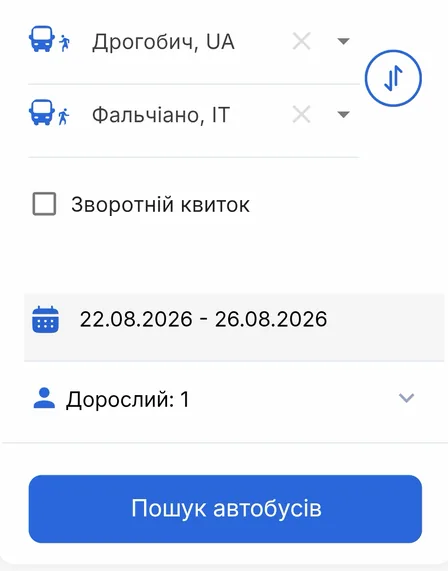

The website runs at your own address, for example `company.ua`, not at a technical platform address. The BUSPORTAL team helps you connect or transfer that address during launch. The passenger sees your company's name, logo and colours.
The passenger remembers your website address, saves it and comes back for the next purchase. We help you set up the domain — that is, your website address — during launch.
website
Logo, banners and social media
You change the logo, the desktop and mobile banners and the social media links yourself. There is no need to contact a developer or edit the website code.
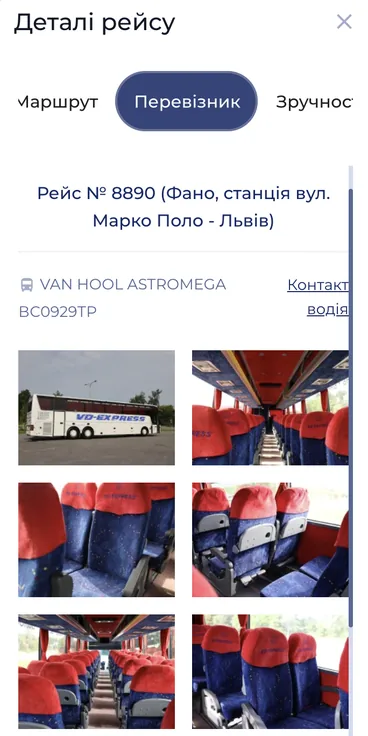
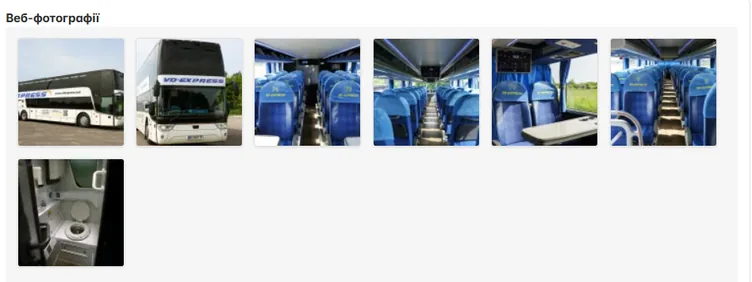
Photos of the interior and exterior of the bus are uploaded through the admin panel and shown on the pages of the relevant trips. The passenger sees in advance which vehicle the trip is planned with.
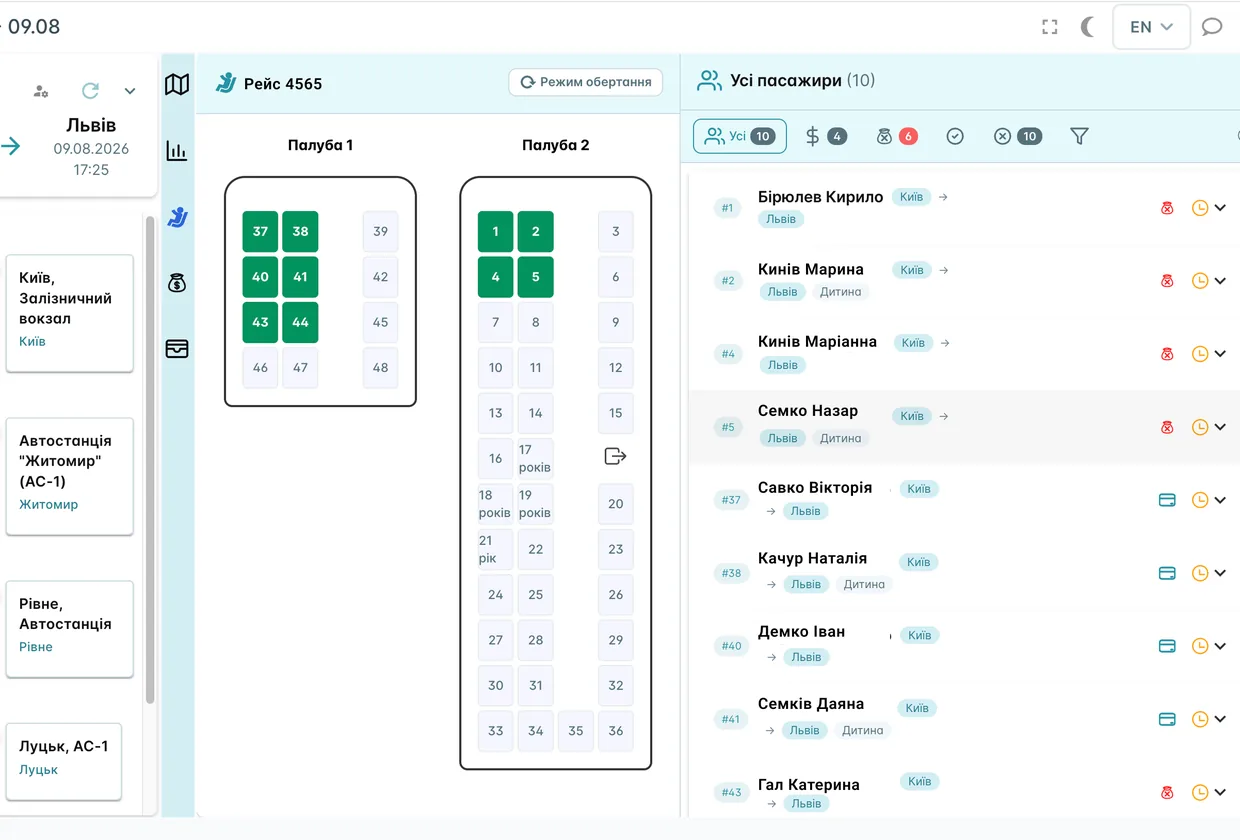
SEAT MAP
Seat maps and on-board amenities
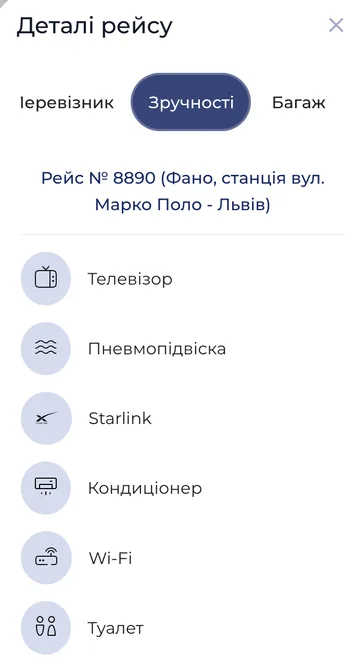
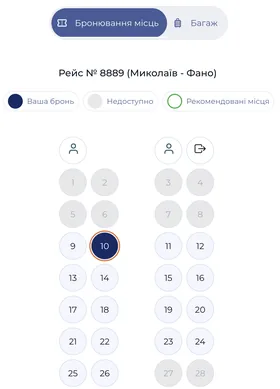
The trip page can show the real layout of the bus, where the free seats are and which amenities are available: Wi‑Fi, air conditioning, power sockets and other equipment. The passenger gets the information they need before buying a ticket.
change the website yourself, without a developer
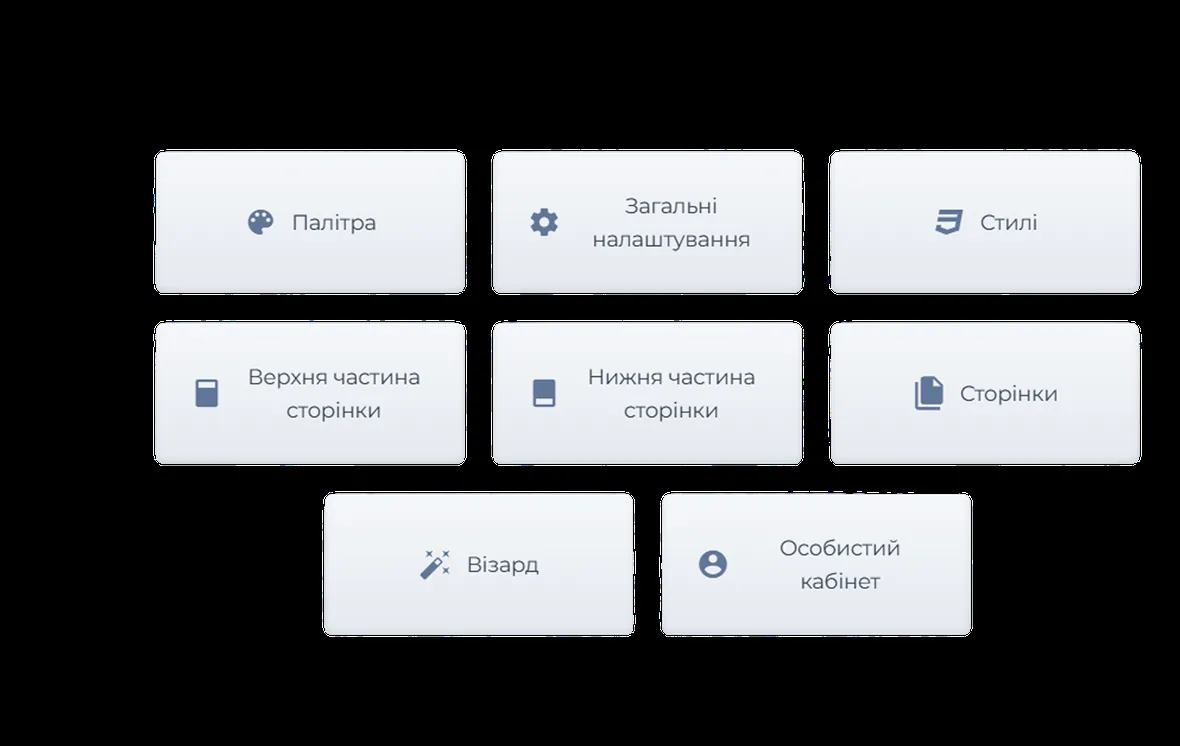
You can update the texts, photos, banners and menu of the website yourself. Pages are assembled from ready-made blocks, so routine changes require no programmer and no waiting for development work.
- Pages and menus to fit your needs
- Add information about the company, routes, carriage rules, luggage, contacts and special offers. You decide the order of pages in the menu yourself and can create sub-items.
- A separate version of the website for each language
- You can run separate language versions of the website for passengers from Ukraine and other countries. The system helps translate a finished page or menu, after which you can review and correct the text before publishing.
- Help with the first content
- Send us the address of your existing website, your documents, photos and a short description of the company. BUSPORTAL will help prepare draft pages and menus — all you have to do is review and approve them.
- A website in the passenger's language
- Separate language versions of the pages can be prepared for Ukrainian and foreign passengers. People see the information in a language they understand, and search engines direct them to the matching version of the website. This matters especially for international routes that passengers look for both in Ukraine and abroad.
- All the trip information a passenger needs
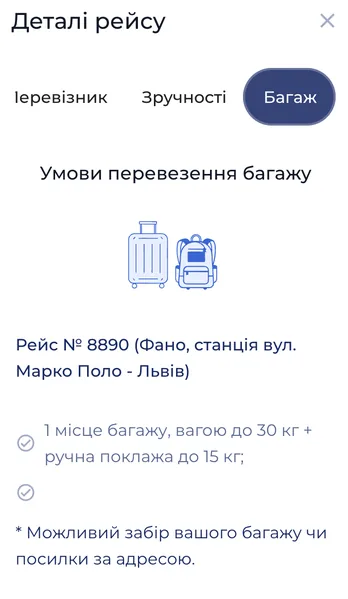
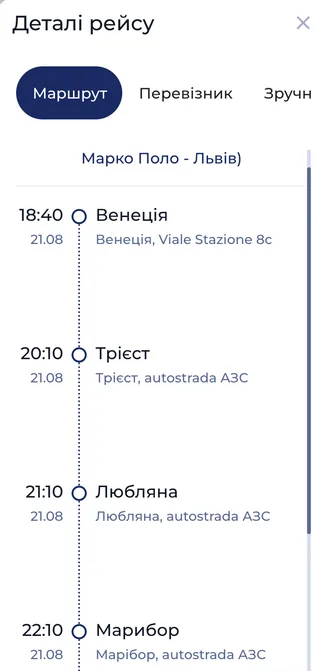
- The route page can show the stops, the approximate journey time, luggage terms, prices and answers to frequently asked questions.
- Old links keep working
- If you change the name or the address of a page, the old link automatically opens the new one. The passenger sees no error, and the page keeps the ranking it has built up in Google.
- New routes without creating pages by hand
- When you add a new route, a dedicated page can be prepared for it automatically. There is no need to go back to a developer every time: passengers get up-to-date information, and Google can show the new destination in search results.

Implementation example: VD-EXPRESS
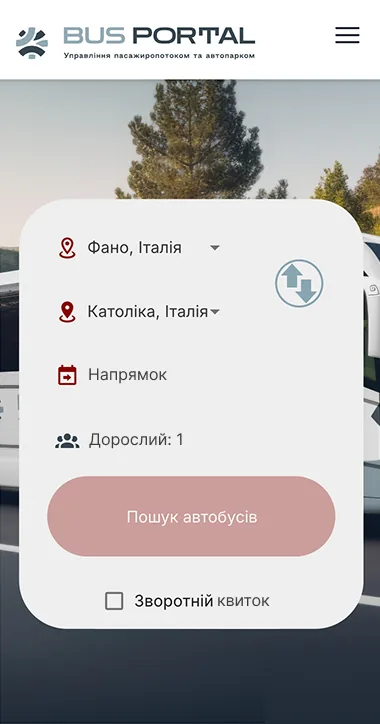
VD‑EXPRESS runs international passenger services between Ukraine and Italy. The case study shows how BUSPORTAL brings the ticket sales website, seat booking, dispatcher work, transfers and trip information together in a single system.
Route and schedule data for Google Maps and other open transport services was also prepared for the carrier.
website
Route pages that passengers find on Google
Every route and its popular sections can get a dedicated page with the schedule, price, stops and useful information for the passenger.
On an aggregator's website, people usually remember the aggregator's name. Your own route pages promote your company and bring passengers straight to your website.
Pages are built from your schedule. You can promote not only the full route but also its popular sections separately — for example Lviv — Rome, Kyiv — Milan or Vinnytsia — Bologna.
management software
The website and the trip management software work together
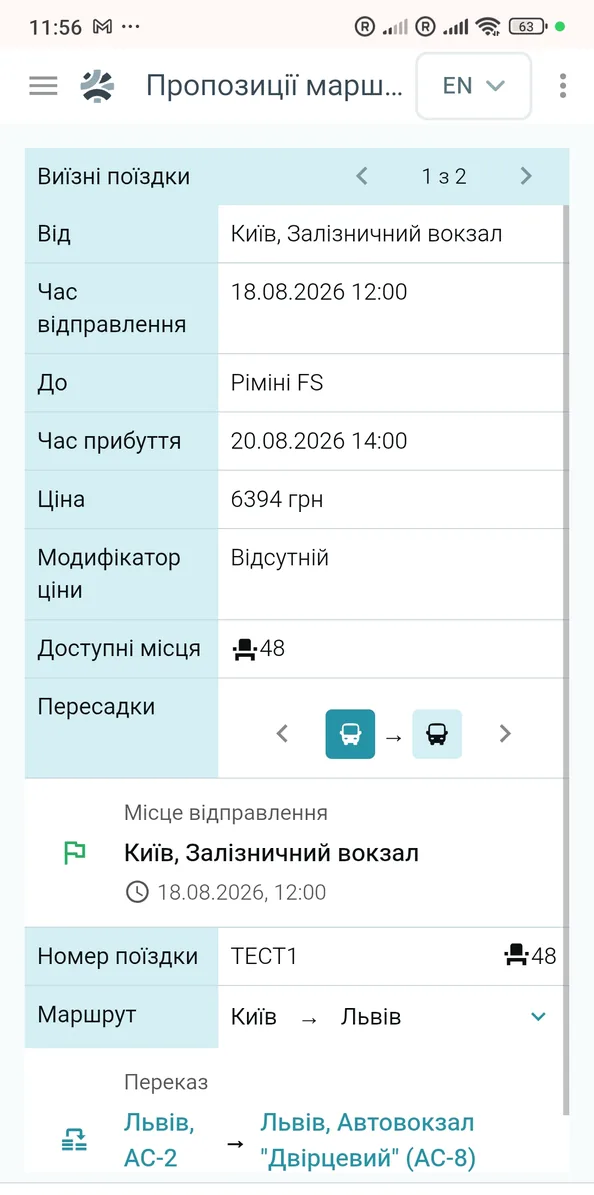
You change the schedule, trips, prices and seats in BUSPORTAL — and the new data appears on the website automatically. There is no need to enter the same information by hand in several programs.
The passenger sees the free seats for a specific trip. In the list of popular destinations and in search results, the price is shown in the currency the passenger selected and calculated according to the rules you set.
The website, the admin panel, the dispatch software and the driver app all see the same number of free seats. That is why one seat can never be sold to two passengers at once.
A Telegram bot as an extra channel
The Telegram bot for passengers uses the same schedule and seat availability as the website. A passenger can find a trip, make a booking and pay via a connected payment method, with no separate data upkeep for the bot.

Google Maps
Your trips can appear in Google Maps
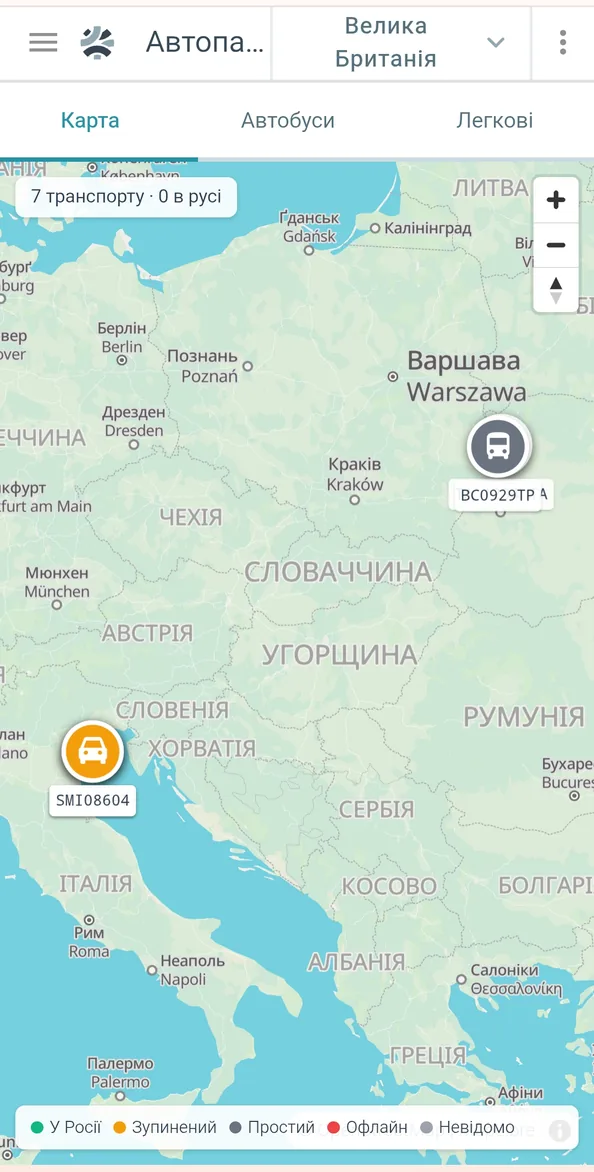
BUSPORTAL prepares data about your routes, stops and schedule for Google. Once it is submitted and approved, passengers can find your trips while planning a journey in Google Maps. There is no need to transfer the schedule to Google separately.
passenger account
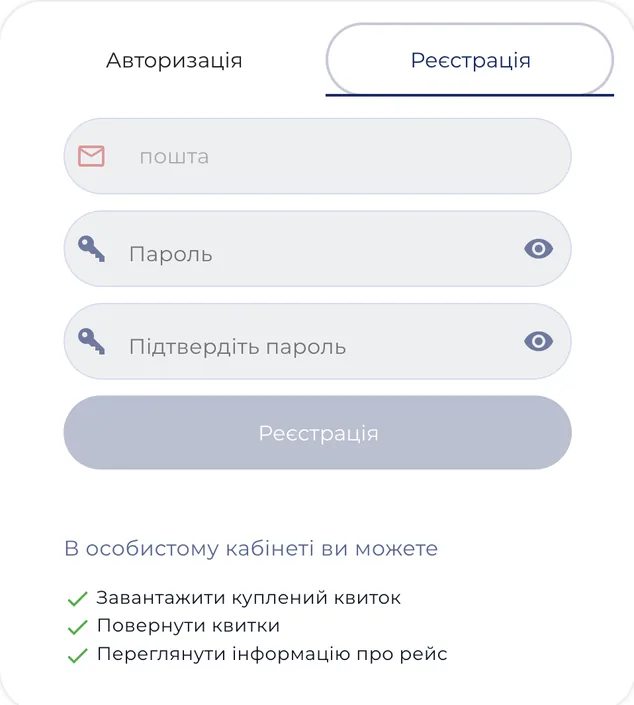
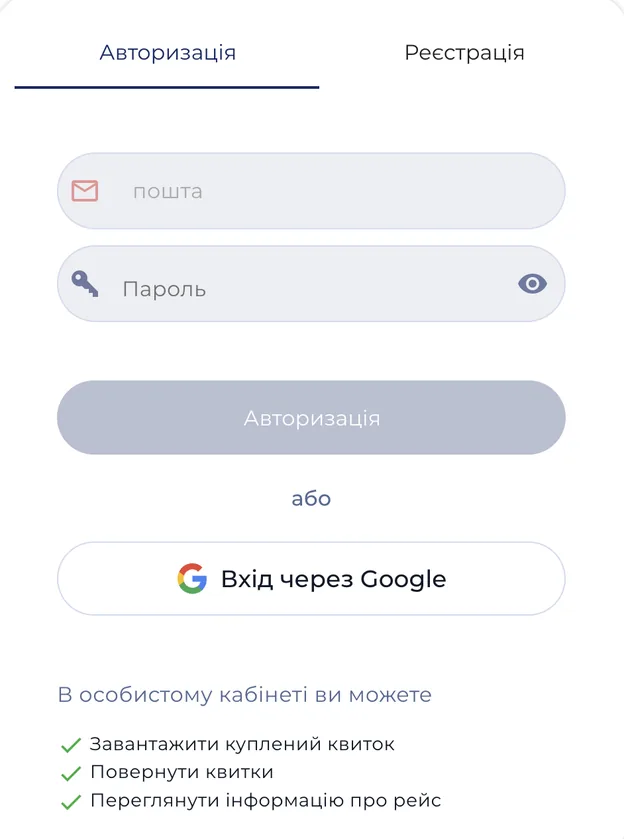
The passenger's personal account
A passenger who bought a ticket on your website stays the carrier's customer. The account keeps their trips, tickets and any personal terms available to them.
Registered passengers can see the fares configured for their category or customer group.
Purchase history is stored in your own system. You can group passengers and prepare dedicated offers for regular customers in line with personal data processing rules.
Step by step
What you need to launch the website
- A logo and brand colours.
- The schedule of trips and stops.
- Photos of the buses — optional.
- An account with LiqPay or another approved service for accepting online payments.
- An account with SMS-Fly or another connected service for messages via Viber and SMS.
If you do not have a website yet, the BUSPORTAL team will build one on the basis of a ready-made template or design a custom look. If your website is already running, we will connect it to BUSPORTAL or help move it to our platform.
FAQ
Who owns the passenger data and where does the sales revenue go?
Tickets are sold on behalf of your company, payments go to the account you connect, and passenger data is stored in your own system in line with your privacy policy. BUSPORTAL is not a ticket aggregator: your brand, your website and your direct sales channel stay under your control.
What if the carrier already has a website?
An existing website can be connected to BUSPORTAL or moved to our platform. If there is no website, the team will offer a ready-made template or a custom design. In every case the schedule, prices and free seats come from a single system, so there is no need to enter them twice.
Can the carrier change pages and menus itself?
Yes. You can update the texts, photos, banners and menu of the website yourself: pages are assembled from ready-made blocks, so routine changes require no programmer and no waiting for development work. You decide the order of pages in the menu yourself and can create sub-items.
How do route pages get into Google search?
Every route and its popular sections can get a dedicated page with the schedule, price, stops and useful information for the passenger. Pages are built from your schedule, and when you add a new route, a dedicated page can be prepared for it automatically.
Can we keep our own website address?
Yes. The website runs at your own address, not at a technical platform address. The BUSPORTAL team helps you connect or transfer that address during launch, and the passenger sees your company's name, logo and colours.
Does the passenger have a personal account?
Yes. The account keeps the passenger's trips, their tickets and any personal terms available to them. Registered passengers can see the fares configured for their category or customer group.
Can tickets be sold through the website and Telegram at the same time?
Yes. The Telegram bot for passengers uses the same schedule and seat availability as the website: a passenger can find a trip, make a booking and pay via a connected payment method, with no separate data upkeep for the bot.
Want to sell tickets on your own website?
Tell us about your routes, your buses and the way you work with passengers. We will show you what a website under your brand would look like and explain how to connect ticket sales to BUSPORTAL.
- Free testing with Live Pilot
- Full support during setup
- Launch at your own website address